

|
|
|
|
Watch The Lunduke Journal: Substack - X - Rumble YouTube - Locals - TikTok Patreon - Facebook - Telegram MP4 Downloads (2024) MP4 Downloads (2025) MP4 Downloads (2026) |
Listen to The Lunduke Journal: Podcast RSS - Fountain - iTunes Substack - Spotify Talk With The Lunduke Journal: Forum - Locals - X - Telegram |
|
|
About The Lunduke Journal The Lunduke Journal is the last bastion of truly independent Tech Journalism. Ad Free, Big Tech Free, Non-Woke, Audience Supported. Become a Tech Whistleblower How to leak insider info safely, securely, & anonymously. Lunduke's Projects The Lunduke Computer Operating System Open Source Operating System Age Verification Status Woke & Non-Woke Software List Wikipedia donation popup remover ASCII BASH Holiday Animations |
How to Support The Lunduke Journal Lifetime Subs Massively Discounted Through October 31st! Monthly or Yearly Subscriptions: Locals, Substack, X, YouTube, or Patreon Lifetime Subscriptions: Pay Once, For Life (Locals & Substack) One-Time Donations: X, Locals, or Bitcoin Perks for Subscribers: MP4 Downloads, PDF eBooks, Forum Access News tips? Need to contact Lunduke? E-Mail: Bryan@Lunduke.com X DM: @LundukeJournal Telegram: @BryanLunduke |
|
The Lunduke Journal Lifetime Subscriber Wall!
Thank you to all of the Lunduke Journal subscribers who make truly independent Tech Journalism possible. Grab a Lifetime Subscription, and get your name immortalized on the Lifetime Subscriber Wall. Lifetime Subscriber Wall #1 - Linux, Pico 5.09 (2009) [FULL] 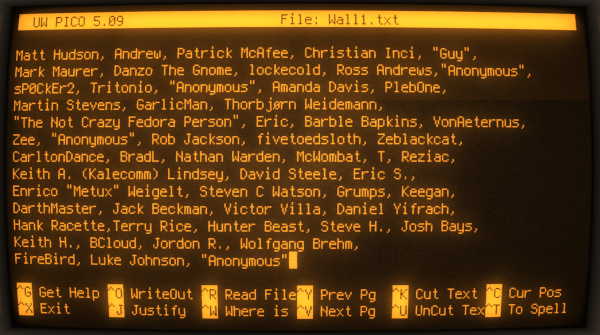 Lifetime Subscriber Wall #2 - DOS 5.0 (1991), Word 5.5 [FULL] 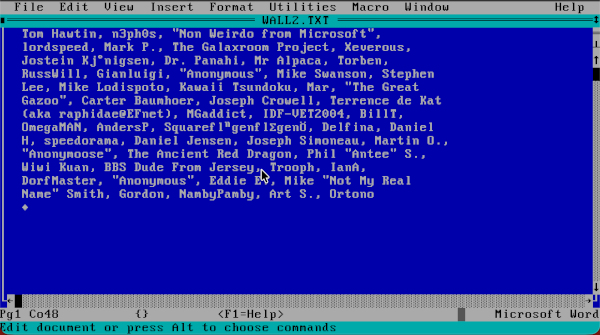 Lifetime Subscriber Wall #3 - Windows 3.11 (1993), Notepad.exe [FULL] 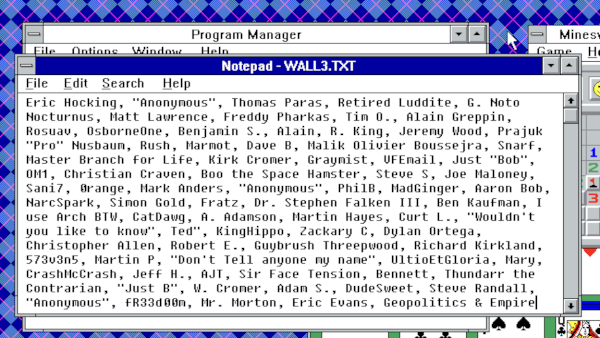 Lifetime Subscriber Wall #4 - MacOS 9 (1999), Word [FULL] 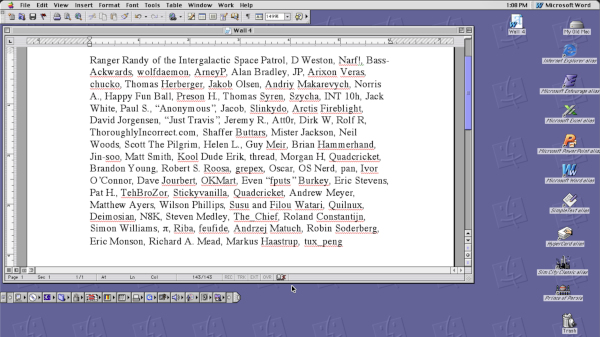 Lifetime Subscriber Wall #5 - PalmOS (2000) [FULL] 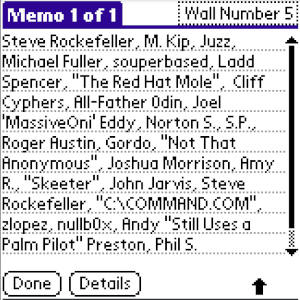 Lifetime Subscriber Wall #6 - Amiga OS 3.1 (1993), ed [FULL] 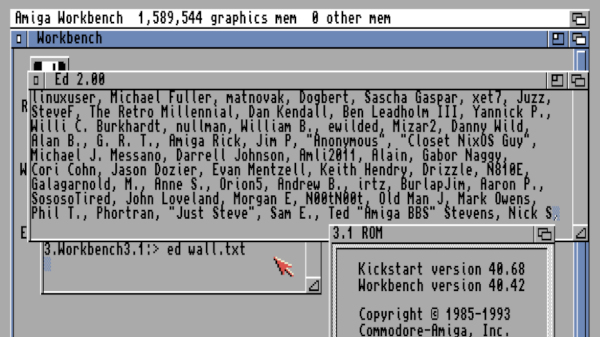 Lifetime Subscriber Wall #7 - Solaris 9 (2002) [FULL - Filled in 25 Days]  Lifetime Subscriber Wall #8 - Windows 1.0 (1985) [FULL - Filled in 8 Days] 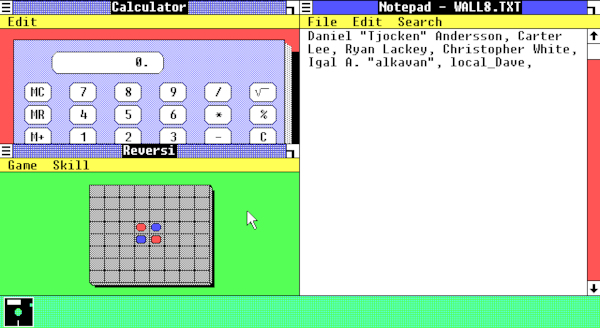 Lifetime Subscriber Wall #9 - Macintosh System 1 (1984) [FULL - Filled in 10 Days] 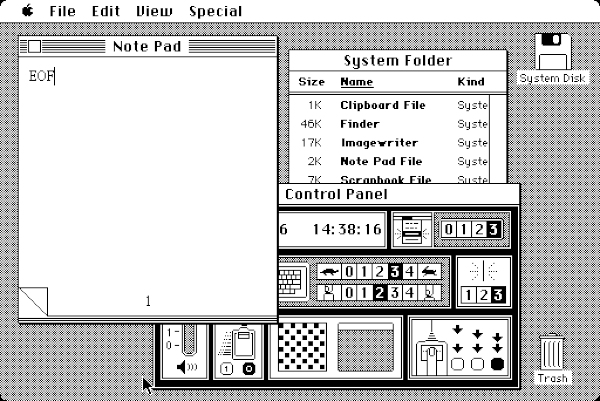 Lifetime Subscriber Wall #10 - Windows 2000 (2000), Wordpad [FULL - Filled in 10 Days] 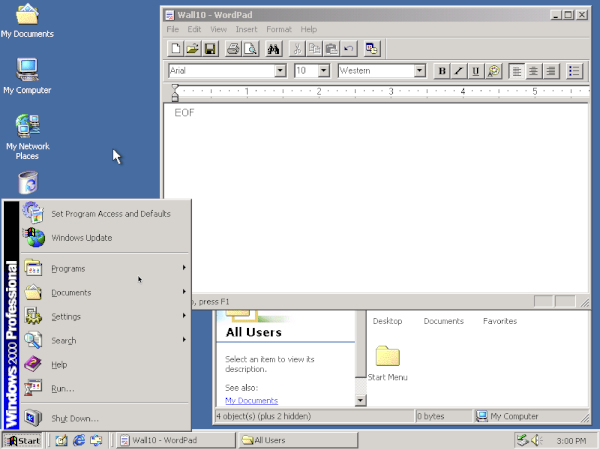 Lifetime Subscriber Wall #11 - TempleOS 5.03 (2017) [FULL - Filled in 7 Days] 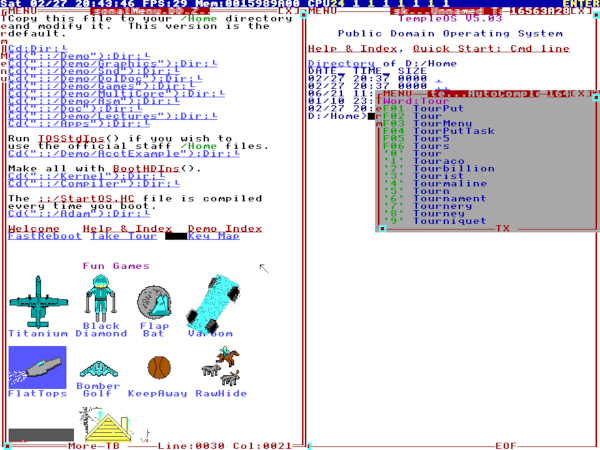 Lifetime Subscriber Wall #12 - Commodore 64 (1982) [FULL - Filled in 11 Days] 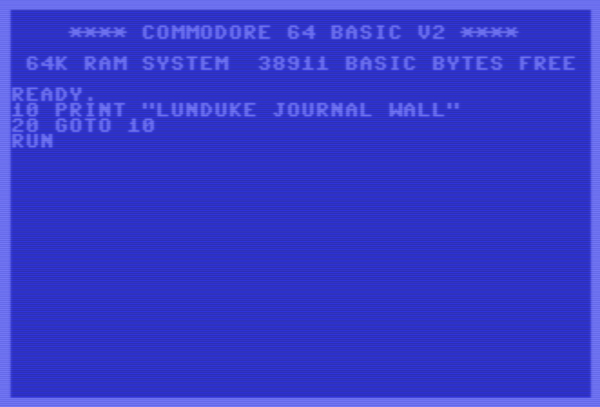 Lifetime Subscriber Wall #13 - BeOS R5 (2000) [FULL - Filled in 20 Days]  Lifetime Subscriber Wall #14 - Ubuntu 4.10 (2004) [FULL - Filled in 9 Days] 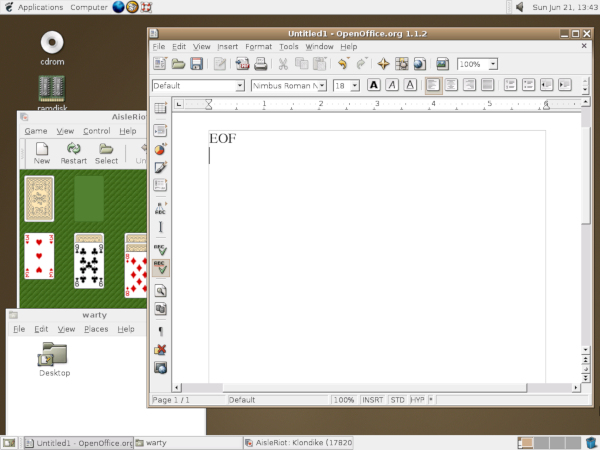 Lifetime Subscriber Wall #15 - Emacs [FULL - Filled in 16] 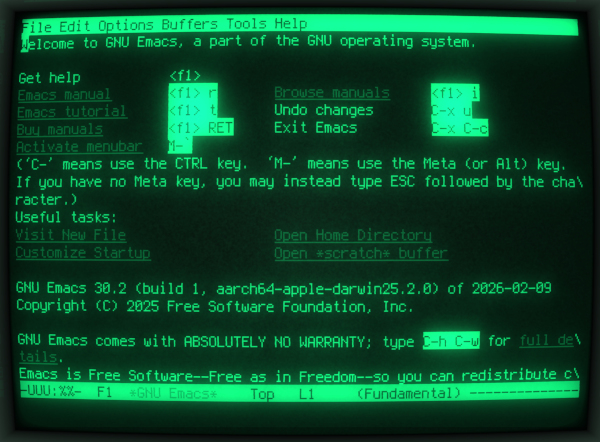 Lifetime Subscriber Wall #16 - Vim [FULL - Filled in 8 Days] 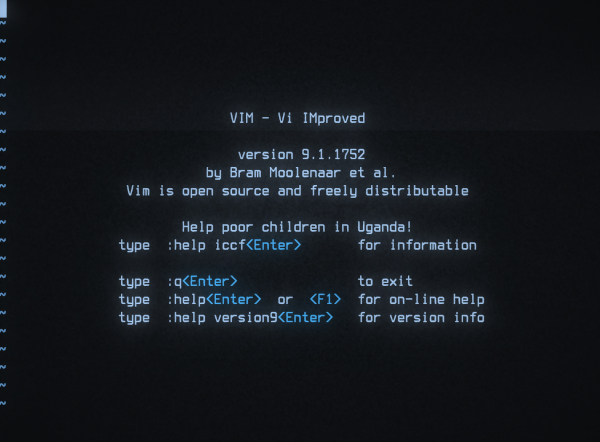 Lifetime Subscriber Wall #17 - Desqview/X 2.1 (1995) [FULL - Filled in 22 Days] 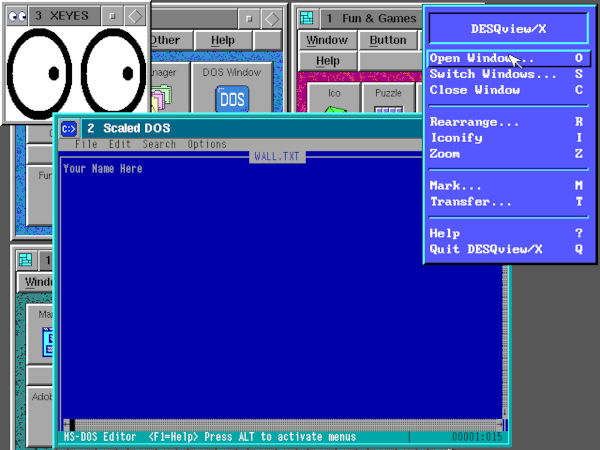 Lifetime Subscriber Wall #18 - NeXTStep 1.0 (1989) [FULL - Filled in 16 Days] 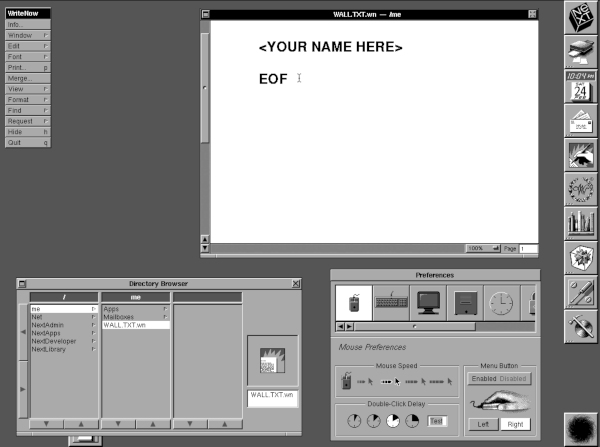 Lifetime Subscriber Wall #19 - TRS-80 Model 100 (1983) [FULL - Filled in 14 Days]  Lifetime Subscriber Wall #20 - Lycos (1994) [FULL - Filled in 1 Second] 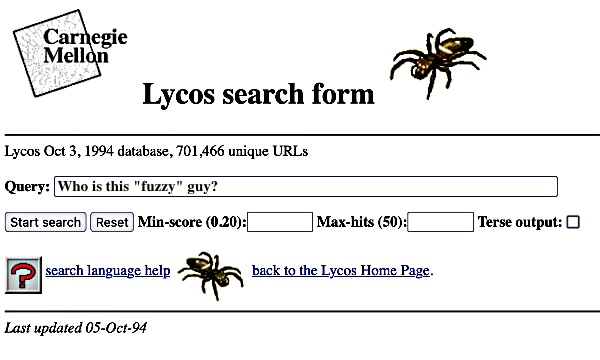 Lifetime Subscriber Wall #21 - Oregon Trail (1985) [FULL - Filled in 8 Days] 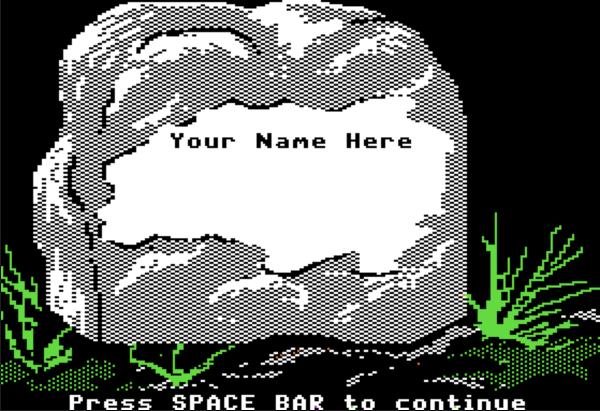 Lifetime Subscriber Wall #22 - Commander Keen 4 (1991) [FULL]  Lifetime Subscriber Wall #23 - Leisure Suit Larry (1987) [FULL] 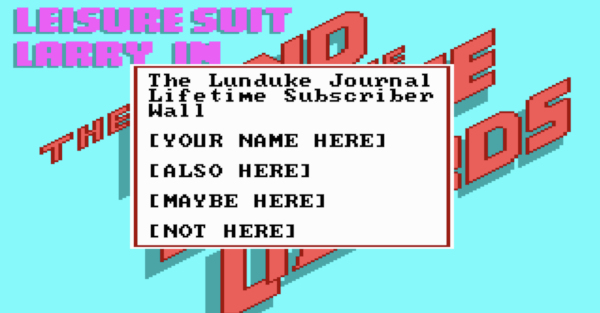 Lifetime Subscriber Wall #24 - Space Quest 4 (1991) [FULL] 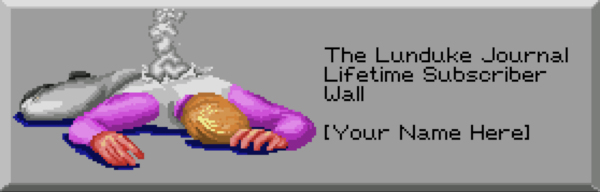 Lifetime Subscriber Wall #25 - Legend of Zelda (1986) [FULL] 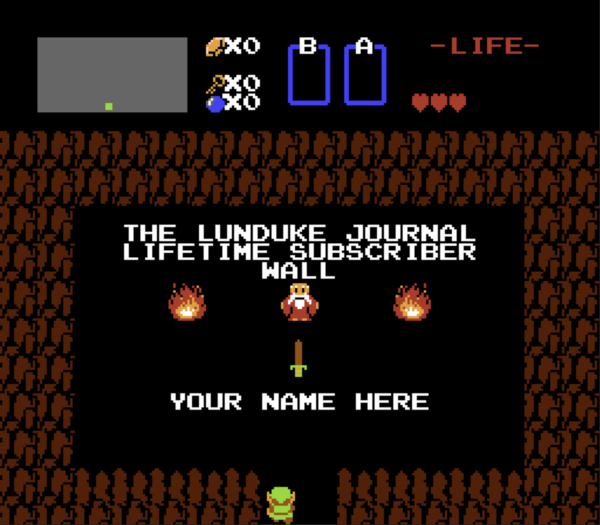 Lifetime Subscriber Wall #26 - Apple Newton OS 2.1, eMate 300 (1997) [Space Available] 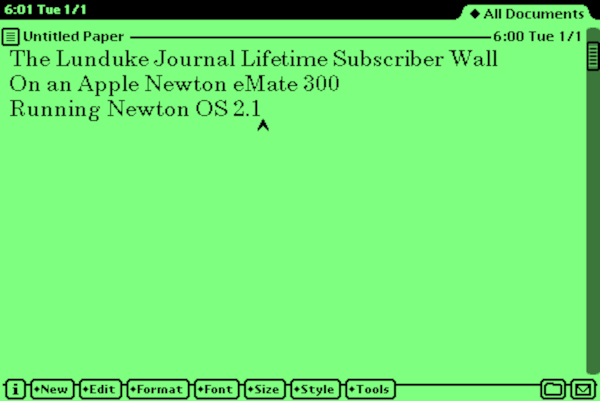 Lifetime Subscriber Wall #27 - Atari UNIX System V Release 4.0 (1992) [Space Available] 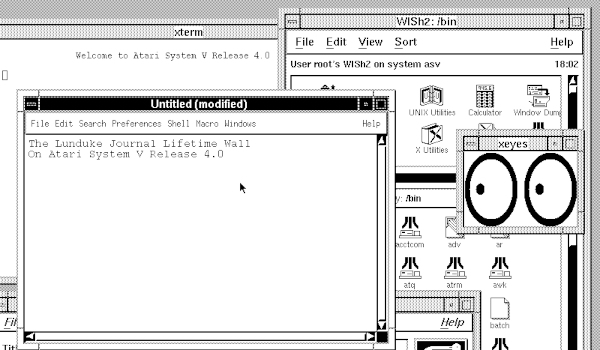 Lifetime Subscriber Wall #28 - Windows CE 4.2 (2003) [Space Available] 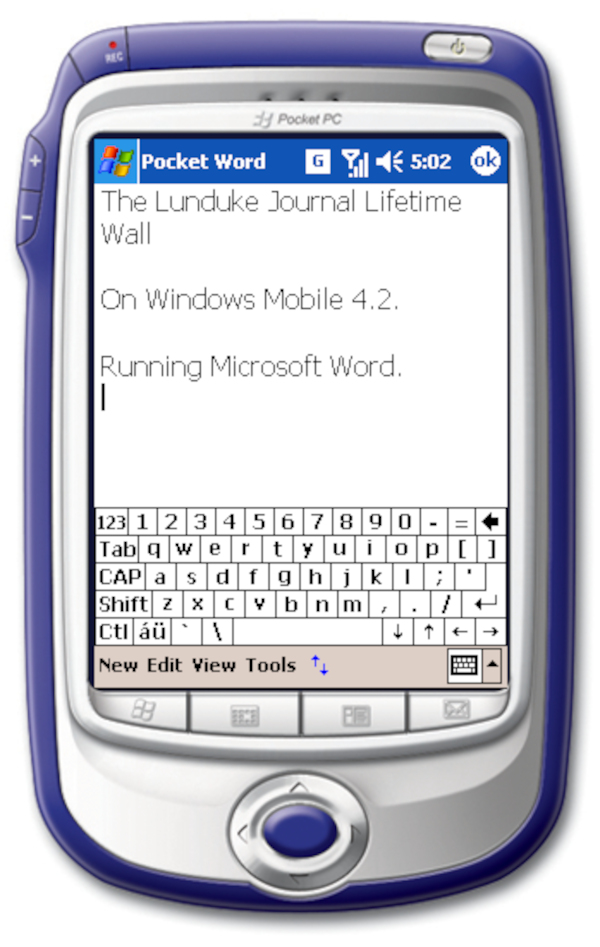 Lifetime Subscriber Wall #29 - Microsoft OS/2 1.3 (1990) [Space Available] 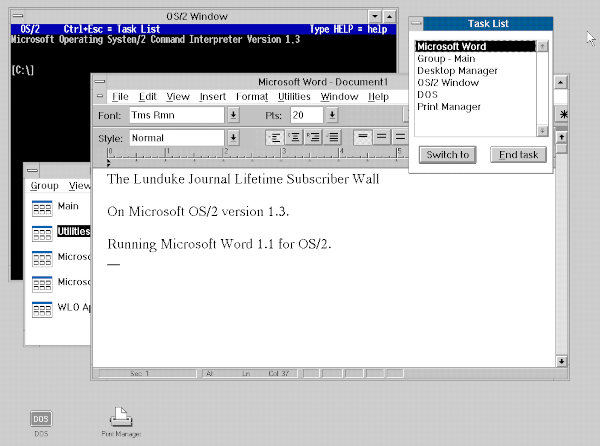 |